
Padding
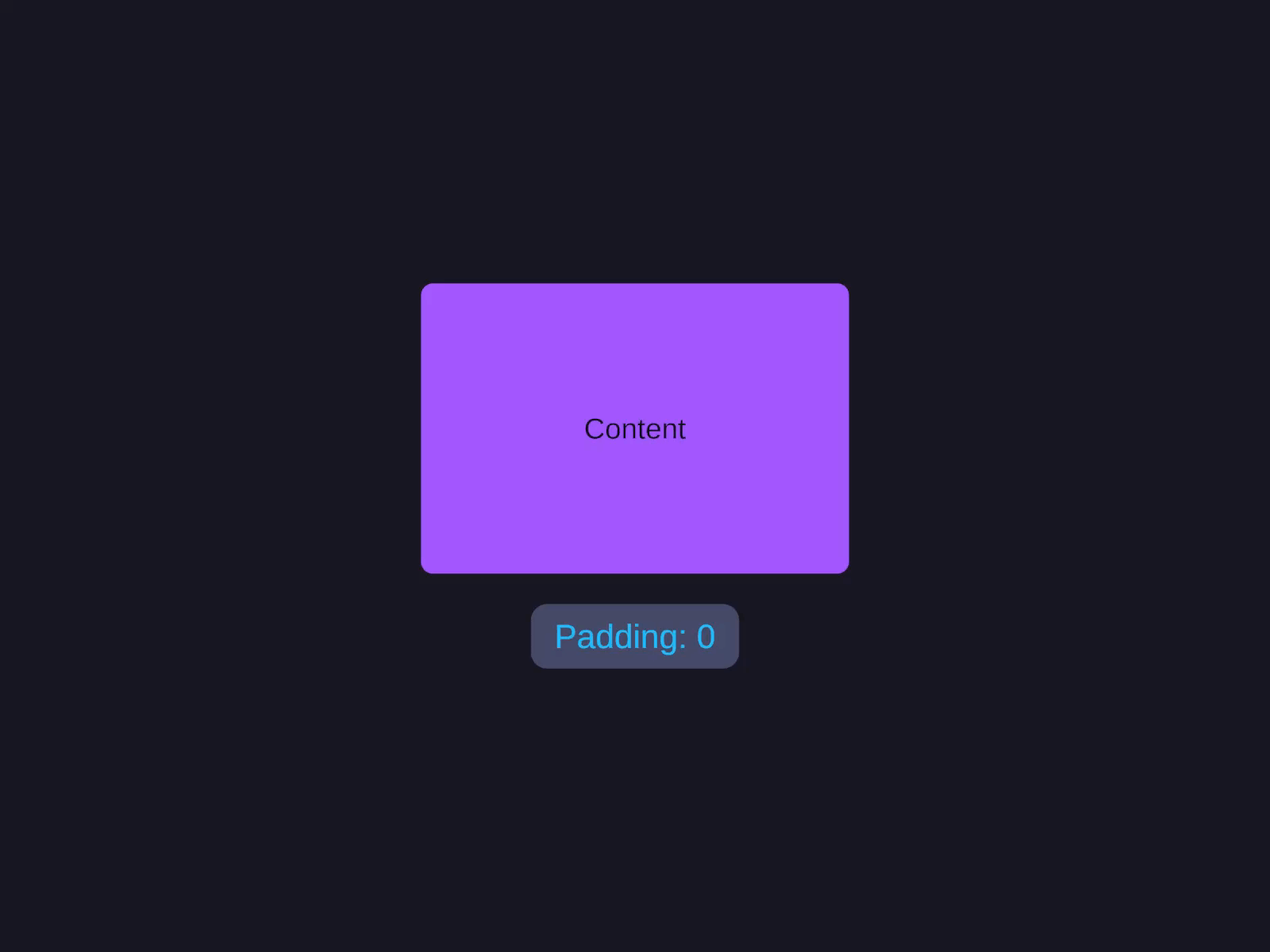
Padding is the inset between this element’s bounds and its children’s content area - it reduces the space children can occupy.
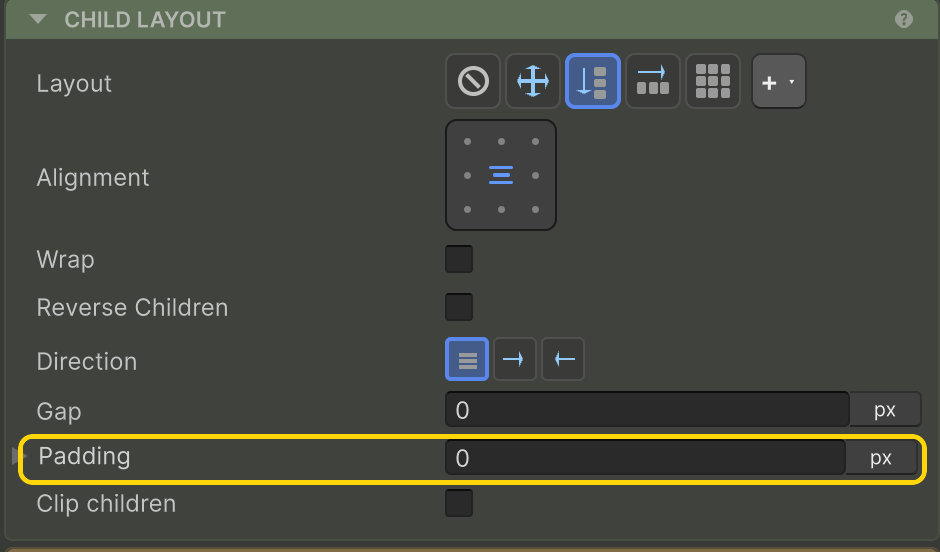
Padding
The inset between this element's bounds and its children's content area - reduces the free space children can occupy.
Set the Padding (e.g. 16). The fields accept unit suffixes and math (see Inspector Input).
layout.PaddingLeft = 16f;layout.PaddingRight = 16f;layout.PaddingTop = 16f;layout.PaddingBottom = 16f;Overloads
Four overloads, in order of common-ness:
.Padding(16) // all four sides.Padding(16, 12) // horizontal (L+R), vertical (T+B).Padding(16, 16, 8, 12) // left, right, top, bottom.Padding(new Spacing(left, right, top, bottom)) // explicit Spacing structPercentage padding
.PaddingPercent(5) // 5% of parent dimensions on each sidePercentage padding scales with screen size - 5% on a 1920-wide canvas is 96px; on 1280, it’s 64px. Useful for responsive layouts.
Padding on Grid containers
On a Grid container, Padding is the inset between the grid bounds and the first cell - works the same as on Row/Column.
Padding vs Margin vs Gap
- Padding - space inside this element (between its bounds and its children).
- Margin (Margin) - space outside a specific child that depends on that child only.
- Gap (Row & Column → Gap) - even spacing between all children of a Row/Column.
Inspector input
The Padding fields accept unit suffixes and math - type 16px, 5%, 8+4, etc. See Inspector Input.
Related
- Margin - the outside counterpart
- Row & Column → Gap - even spacing between siblings
- Inspector Input - unit and math syntax