
Transitions
CSS-style declarative transitions: when a watched property (width, height, gap, padding, …) changes at runtime, the change animates instead of snapping. You describe what and how long - the engine handles the rest.
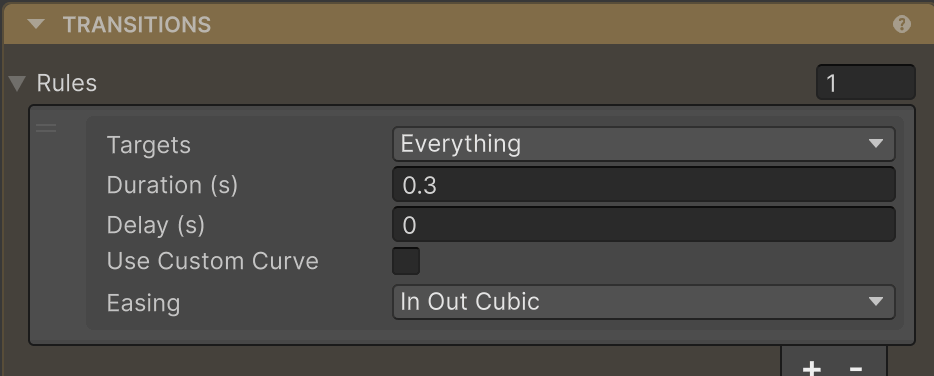
How it works
Every AutoLayout component has a Transitions list of rules. When the engine detects a change to a property covered by a rule, it routes the change through the tween provider over the rule’s duration. No coroutines, no manual TweenWidth call - just a declaration.
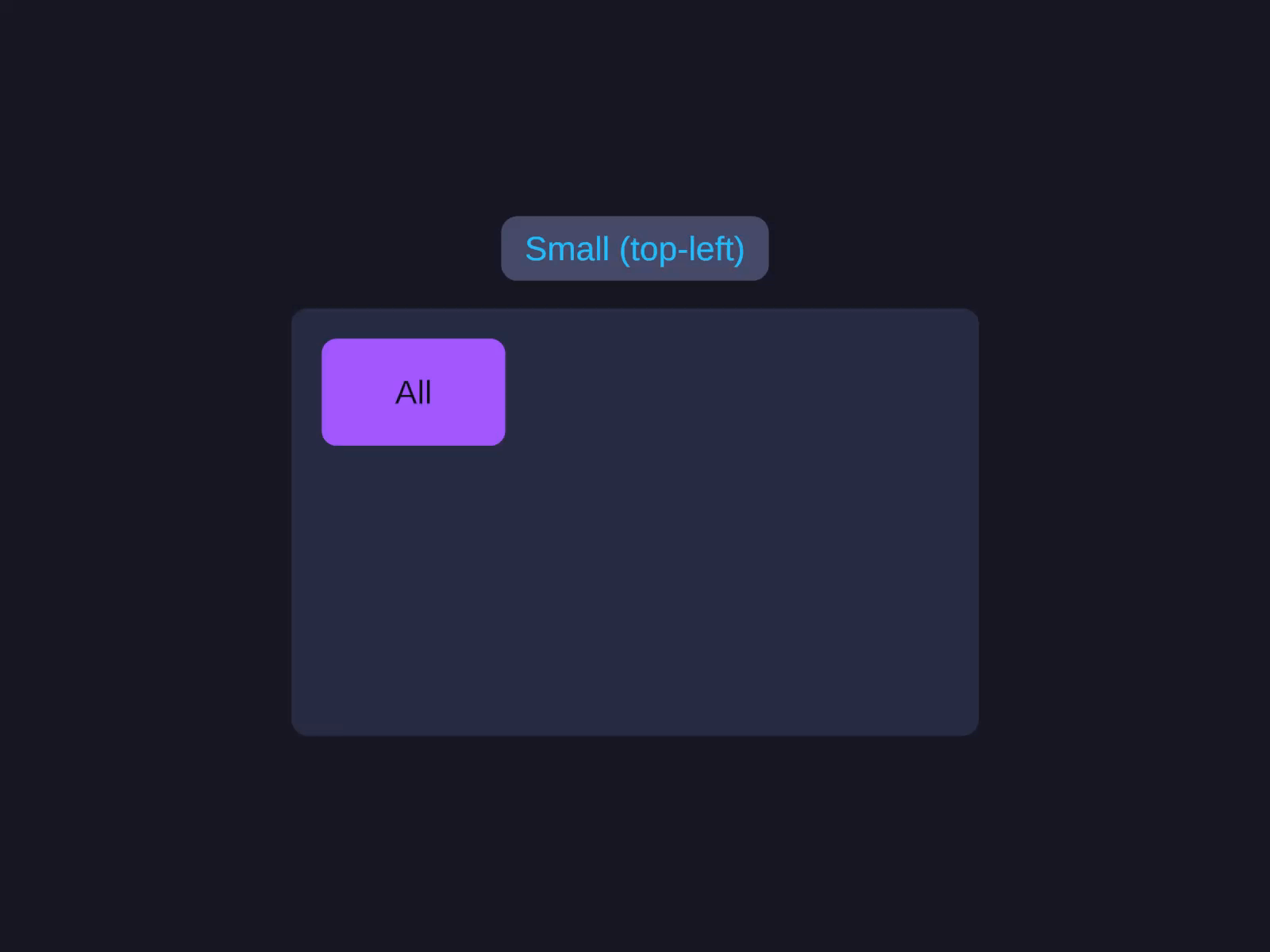
After that, any change that resizes this element animates over 300ms. Toggle a child’s visibility, swap text length, switch sizing modes - the layout slides into place.
Targets
TransitionTarget is a bitmask. Combine with | to make one rule cover several properties.
| Flag | Animates |
|---|---|
Width | Output width when the engine resolves a new value |
Height | Output height |
Position | Resolved position (move animations on reflow) |
Opacity | Alpha (via CanvasGroup) |
Gap | The Gap input property when set from code |
Padding | The Padding input property when set from code |
Margin | The Margin input property when set from code |
RenderOffset | The visual-only Render Offset when set from code |
Size | Shortcut for Width | Height |
Spacing | Shortcut for Padding | Margin |
All | Every animatable property |
Width / Height / Position / Opacity are outputs - they animate from the apply step when the engine computes a new value. Gap / Padding / Margin are inputs - they animate from the setter, so they only transition when you assign them from a script (or from the Inspector at runtime).
Builder API
.Transition(TransitionTarget targets, float duration,            EasePreset ease = EasePreset.OutQuad, float delay = 0f)
.Transition(TransitionTarget targets, float duration,            AnimationCurve customCurve, float delay = 0f)
A typical pattern: one catch-all rule plus per-property overrides.
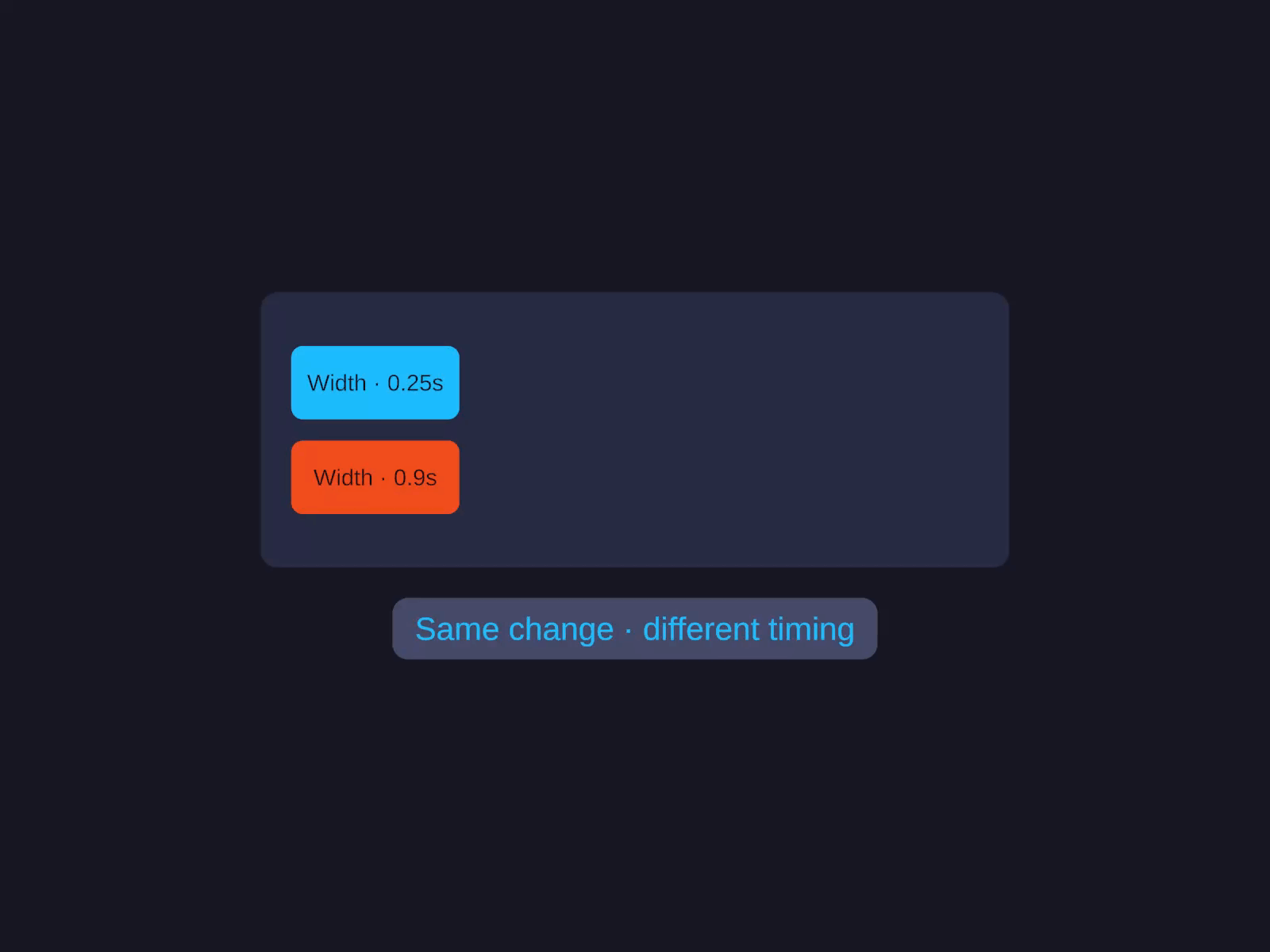
Per-property override / cascade
One catch-all default plus per-property overrides - rules cascade like CSS, later entries win for shared flags.
Under Rules, add two rules - later rules override earlier ones, CSS-style:
- Targets
All· Duration0.2· EasingOutQuad- the catch-all default. - Targets
Width· Duration0.6· EasingOutBack- slower, bouncy override for width.
Reorder so the per-property rule sits below the catch-all; the bottom rule wins.
layout.SetTransition(TransitionTarget.All, 0.2f, EasePreset.OutQuad);layout.SetTransition(TransitionTarget.Width, 0.6f, EasePreset.OutBack);Rules cascade like CSS: later list entries override earlier ones for shared flags. The Width rule above wins for width because it’s listed second; everything else still uses the 200ms OutQuad default.
Component API
The same rules can be added from script on any AutoLayout:
var layout = GetComponent<AutoLayout>();
layout.SetTransition(TransitionTarget.Size, 0.3f, EasePreset.OutQuad);layout.SetTransition(TransitionTarget.Opacity, 0.15f);layout.SetTransition(TransitionTarget.Padding, 0.5f, myCustomCurve);
layout.RemoveTransition(TransitionTarget.Size);layout.ClearTransitions();
SetTransition is upsert - if a rule with the exact same Targets bitmask exists, it’s replaced; otherwise the new rule is appended.
Rules
Transitions appears on the AutoLayout component as a reorderable list. Each entry has:
- Targets - multi-select dropdown (like a layer mask). See Targets above.
- Duration - seconds. See Timing.
- Delay - seconds, optional. See Timing.
- Use Custom Curve - toggle. See Curves.
- Easing -
EasePresetdropdown (when not using a curve). See Easing. - Custom Curve -
AnimationCurve(when toggle is on). See Curves.
Reorder rules to control cascade - the bottom of the list wins.
Timing
Each rule has two timing knobs:
- Duration - how long the tween runs, in seconds. A duration of
0with no custom curve is treated as “no animation” (useful for explicit opt-out on a specific flag). - Delay - wait this many seconds before the tween starts. Defaults to
0.
.Transition(TransitionTarget.Size, duration: 0.3f, ease: EasePreset.OutQuad, delay: 0.1f)Easing
Without a custom curve, transitions use an EasePreset - pick from eleven families to control the motion’s feel, from a snappy OutQuad to an overshooting OutBack or a springy OutElastic.
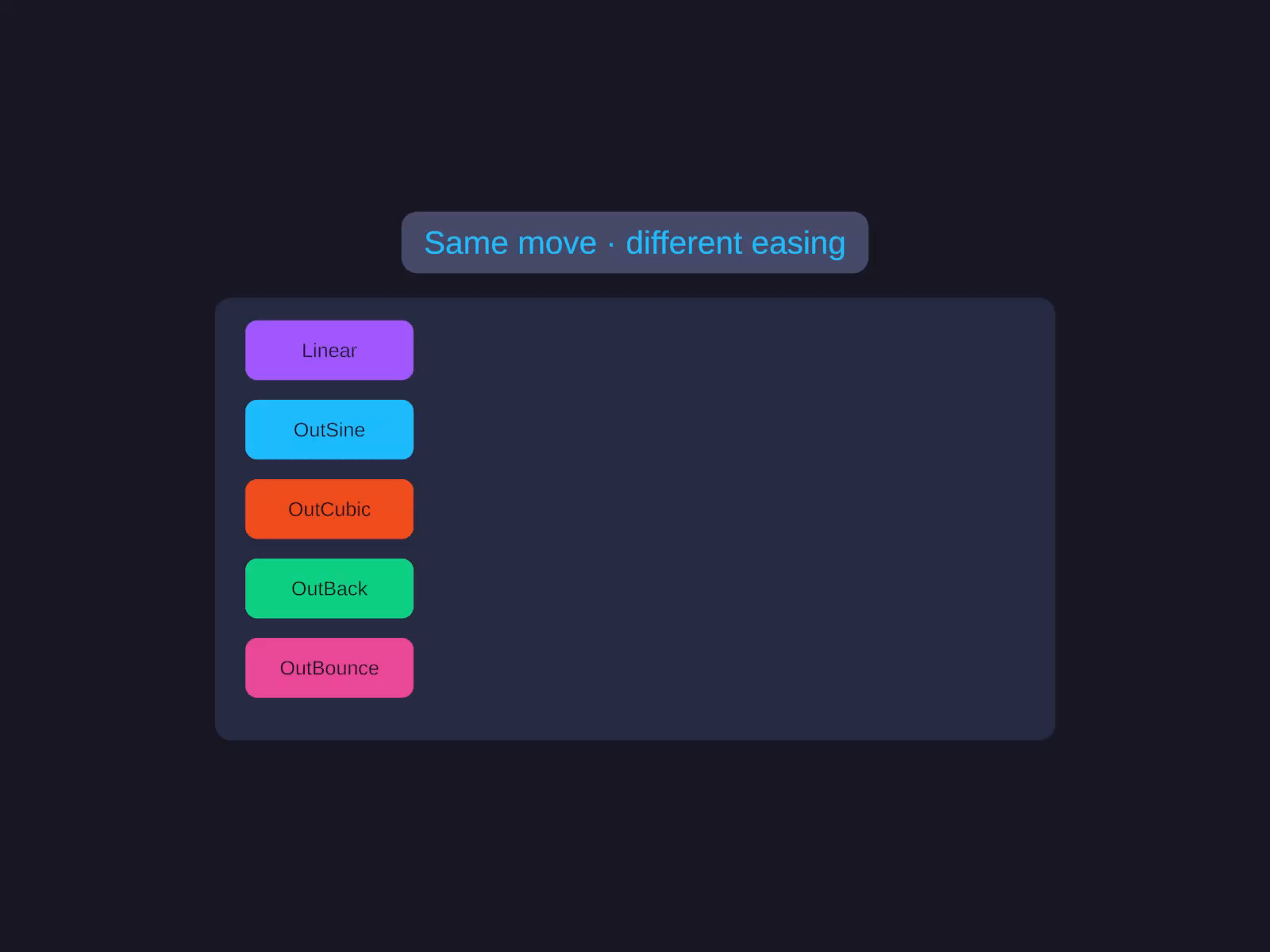
Easing families
Eleven easing families, each with In / Out / InOut variants - from a snappy OutQuad to an overshooting OutBack or a springy OutElastic.
| Family | Variants |
|---|---|
Linear | (no easing) |
| Sine | InSine / OutSine / InOutSine |
| Quad | InQuad / OutQuad / InOutQuad |
| Cubic | InCubic / OutCubic / InOutCubic |
| Quart | InQuart / OutQuart / InOutQuart |
| Quint | InQuint / OutQuint / InOutQuint |
| Expo | InExpo / OutExpo / InOutExpo |
| Circ | InCirc / OutCirc / InOutCirc |
| Back | InBack / OutBack / InOutBack |
| Elastic | InElastic / OutElastic / InOutElastic |
| Bounce | InBounce / OutBounce / InOutBounce |
For finer control, pass an AnimationCurve to the curve overload of .Transition() / SetTransition() - see Curves below.
Curves
For motion the presets don’t cover, pass an AnimationCurve instead of an EasePreset:
.Transition(TransitionTarget.Width, 0.6f, myCustomCurve);In the inspector, toggle Use Custom Curve on the rule and edit the curve inline. The custom curve overrides the easing dropdown - drag stops, tangents, and overshoot as needed.
Transitions vs Tweening
Two different tools for two different jobs.
| Transitions | Tweening | |
|---|---|---|
| Style | Declarative - describe rules, animations happen automatically | Imperative - call .TweenWidth(target, duration) when you want it |
| Trigger | Any change to a watched property | Each call animates once |
| Best for | UI that reacts to state (hover, layout reflow, theme swap) | One-shot animations (open animation, success bounce) |
| API | .Transition(...) on the builder, SetTransition(...) on the component | .TweenWidth / TweenHeight / TweenGap / … extension methods |
You can use both on the same component. A Transition(All, 0.2f) rule covers everyday reflows, while a one-off layout.TweenSize(big, 0.6f, EasePreset.OutElastic) plays a celebratory animation.
Also note: TransitionTarget.RenderOffset animates the visual-only offset described in Render Offset. When a rule covers RenderOffset, assignments to AutoLayout.RenderOffset route through the tween provider automatically.
Notes
- The tween provider must be registered for transitions to fire.
AutoLayoutTweenSettings.HasProvideris true by default (the built-in provider auto-registers). Custom providers implementIAutoLayoutTweenProvider. - A rule with
Duration = 0and no custom curve is treated as “no animation” - useful for explicit opt-out on a specific flag. - Transitions are runtime-only - Editor changes snap immediately.
- The legacy
AnimateLayoutChangesboolean still works as an implicitAllrule for backward compatibility.
Related
- Tweening - imperative one-shot animations
- AutoUI Builder - full builder chain