
ScrollView
Scrollable container with inertia, elastic bounds, and optional scrollbar handles. Automatically manages a content child that can be a Column, Row, or manual layout.
Inspector Setup
- Add
AutoLayoutto a container GameObject. - Add AutoLayout Scroll View to the same GameObject.
- Content child is created automatically. Children added to the scroll view are reparented to the content container.
- Optionally assign scrollbar handle RectTransforms.
| Field | Type | Default | Description |
|---|---|---|---|
| Scroll Sensitivity | float | 20 | Mouse wheel multiplier |
| Scroll Wheel Axis | int | 1 | 0 = horizontal, 1 = vertical |
| Enable Inertia | bool | true | Momentum after drag |
| Enable Elastic Bounds | bool | true | Bounce at edges |
| Deceleration Rate | float | 0.135 | Inertia decay (0.01-0.5) |
| Elasticity Duration | float | 0.3 | Bounce duration |
| Snap Enabled | bool | false | Enable snap-to-interval after scroll ends |
| Snap Interval | float | 0 | Snap interval in pixels (0 = viewport size = page snap) |
| Snap Alignment | ScrollSnapAlignment | Start | Start or Center alignment within interval |
| Snap Speed | float | 400 | Snap animation duration in ms (or set SnapDuration in seconds) |
| Vertical Scrollbar Handle | RectTransform | - | Optional vertical scrollbar thumb |
| Horizontal Scrollbar Handle | RectTransform | - | Optional horizontal scrollbar thumb |
Code Usage
Building a ScrollView
Build it visually in the Inspector (see Inspector Setup above), or construct it from code with the Code API.
Configuring ScrollView
var sv = go.GetComponent<AutoLayoutScrollView>();sv.ScrollSensitivity = 30f;sv.EnableInertia = true;sv.EnableElasticBounds = true;sv.DecelerationRate = 0.1f;Page Snap
var sv = go.GetComponent<AutoLayoutScrollView>();sv.SnapEnabled = true;// SnapInterval = 0 means page snap (viewport size)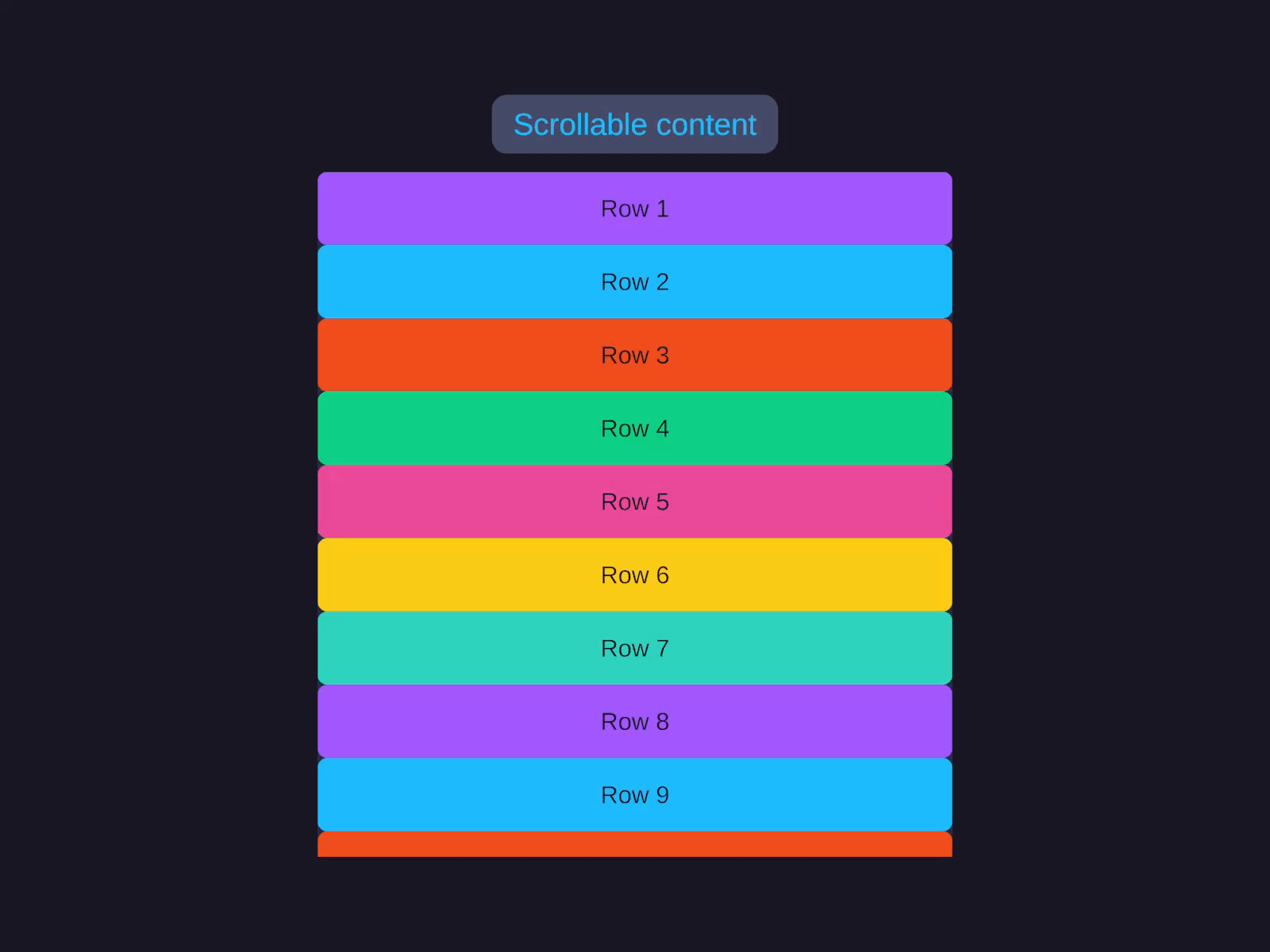
Snap to interval
Scrollable container with inertia, elastic bounds, and optional scrollbar handles, plus snap-to-interval after scroll ends.
Set Content Mode to Column (or Row). Under Scroll Physics, adjust Scroll Sensitivity and toggle Enable Inertia (Deceleration Rate) and Enable Elastic Bounds (Elasticity Duration) as needed. Under Scrollbars, assign a Vertical Handle / Horizontal Handle or use the create buttons. Snap-to-interval is configured from code (see the Code tab).
var sv = go.GetComponent<AutoLayoutScrollView>();sv.SnapEnabled = true;sv.SnapInterval = 100f;sv.SnapAlignment = ScrollSnapAlignment.Center;sv.SnapDuration = 0.3f; // seconds (SnapSpeed is the same value in ms)Programmatic Scrolling
var scrollView = go.GetComponent<AutoLayoutScrollView>();
// Scroll to positionscrollView.ScrollTo(new Vector2(0, 500), animated: true);scrollView.ScrollTo(500f, animated: true);  // Single axis
// Scroll by deltascrollView.ScrollBy(new Vector2(0, 100));
// Scroll to childscrollView.ScrollToChild(childTransform, animated: true);
// Stop scrollingscrollView.StopScrolling();
// Refresh content size after adding/removing childrenscrollView.RefreshContentSize();
Methods
| Method | Description |
|---|---|
ScrollTo(Vector2 position, bool animated = true) | Scroll to absolute position |
ScrollTo(float position, bool animated = true) | Scroll single axis |
ScrollBy(Vector2 delta) | Scroll by relative delta |
ScrollBy(float delta) | Scroll single axis by delta |
ScrollToChild(Transform child, bool animated = true) | Scroll to make child visible |
RefreshContentSize() | Recalculate content dimensions |
StopScrolling() | Stop inertia/animation |
ExcludeFromReparenting(Transform child) | Prevent child from being reparented to content |
Properties
| Property | Type | Description |
|---|---|---|
Content | RectTransform | Auto-managed content container |
ContentMode | ScrollContentMode | Column, Row, or Manual |
ScrollOffset | Vector2 | Current 2D scroll offset |
IsScrolling | bool | Scroll in progress |
IsDragging | bool | User is dragging |
CanScrollHorizontal | bool | Content wider than viewport |
CanScrollVertical | bool | Content taller than viewport |
ScrollSensitivity | float | Mouse wheel multiplier |
EnableInertia | bool | Momentum after drag |
EnableElasticBounds | bool | Edge bounce |
DecelerationRate | float | Inertia decay rate |
ElasticityDuration | float | Bounce animation duration |
Physics | ScrollPhysics | Physics simulation instance |
SnapEnabled | bool | Snap-to-interval enabled |
SnapInterval | float | Snap interval (0 = page) |
SnapAlignment | ScrollSnapAlignment | Start or Center |
SnapSpeed | float | Snap duration in ms |
SnapDuration | float | Snap duration in seconds (wraps SnapSpeed) |
IsSnapping | bool | Snap animation in progress |
Controller | ScrollController | Headless controller |
Content Modes
| Mode | Description |
|---|---|
Column | Content arranged vertically (default for vertical scroll) |
Row | Content arranged horizontally (default for horizontal scroll) |
Manual | Custom content layout |
Notes
- Children added to the scroll view are automatically reparented to the content container.
- Use
ExcludeFromReparenting()for children that should stay as direct children (e.g., scrollbar overlays). - The scroll view integrates with
IUGUILayoutDependentto refresh content size after layout. - Implements
IScrollHandler,IBeginDragHandler,IDragHandler,IEndDragHandler. - Scrollbar handles auto-resize based on content-to-viewport ratio.