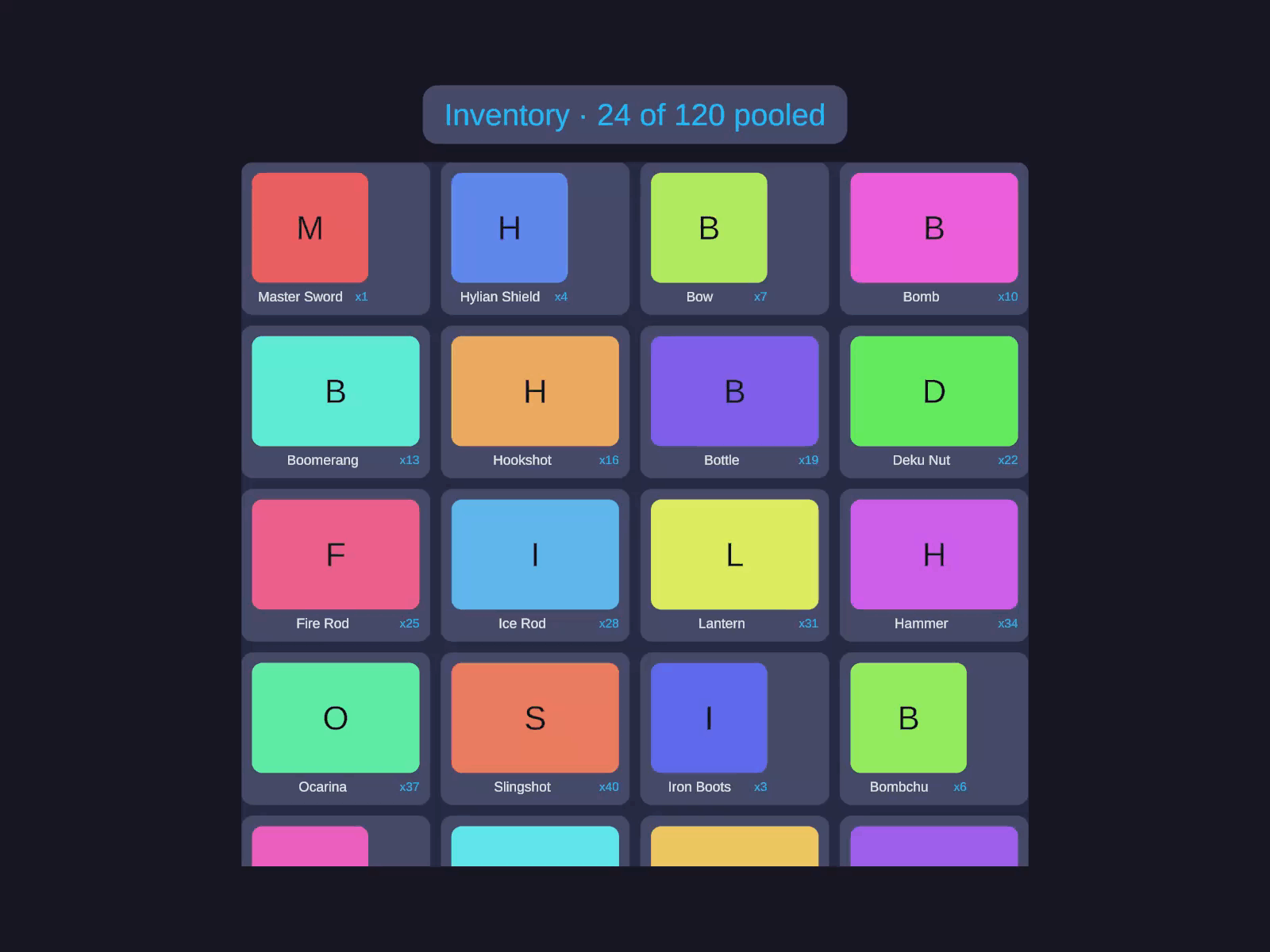
Virtualized scrollable grid with uniform or variable cell sizing. Recycles items via object pooling for large datasets.
Inspector Setup
Create a container with AutoLayout and AutoLayoutScrollView.
Add the GridView component.
Register prefabs in the Prefabs list.
Set item count and configure columns via code.
Field Type Default Description Scroll Direction GridViewScrollDirection Vertical Scroll axis Size Mode GridViewSizeMode Uniform Uniform or NonUniform cell sizes Column Count int 0 Columns (0 = auto-calculate from width) Column Gap float 0 Horizontal gap between cells Row Gap float 0 Vertical gap between rows Virtualized bool true Enable object pooling Default Pool Capacity int 20 Initial pool size per prefab type Overscan Count int 1 Extra rows rendered offscreen Prefabs List - Prefab registrations (typeId + prefab + capacity)
Code Usage
Building a GridView
Build it visually in the Inspector (see Inspector Setup above), or construct it from code with the Code API .
Virtualized grid Virtualized scrollable grid with uniform or variable cell sizing. Recycles items via object pooling for large datasets.
Under Grid , set the Scroll Direction , Size Mode , Column Count (0 = auto), and Column Gap / Row Gap . Under Prefabs , register your cell prefab in the Prefabs list. Adjust Pooling (Virtualized , Default Pool Capacity , Overscan Count ) as needed. Items are supplied from code (see the Code tab).
var gv = go. GetComponent < GridView >();
gv.GetItemCallback = i => items[i];
gv.BindItemCallback = ( go , index , data ) =>
go. GetComponent < MyCellView >(). Bind (( MyItem )data);
gv.ItemCount = items.Count;
Using IGridViewDelegate
public class MyScreen : MonoBehaviour , IGridViewDelegate
private GridView m_GridView ;
m_GridView = go. GetComponent < GridView >();
m_GridView.ColumnCount = 4 ;
m_GridView.ColumnGap = 8f ;
m_GridView. RegisterPrefab ( 0 , cellPrefab, 20 );
m_GridView.Delegate = this ;
public int GetNumberOfItems ( GridView gridView ) => m_Data.Count;
public int GetItemType ( GridView gridView , int index ) => 0 ;
public void BindItem ( GridView gridView , GameObject cell , int index )
cell. GetComponent < MyCellView >(). Bind (m_Data[index]);
public void UnbindItem ( GridView gridView , GameObject cell , int index )
cell. GetComponent < MyCellView >(). Unbind ();
Runtime Updates
m_GridView.ItemCount = newData.Count;
m_GridView. RefreshItems ();
m_GridView. ScrollToItem ( 50 , ScrollAlignment.Center, animated : true );
m_GridView. RefreshItem ( 5 ); // Refresh single item
m_GridView. Clear (); // Remove all items
Methods
Method Description RegisterPrefab(int typeId, GameObject prefab, int initialCapacity = 0)Register a prefab type RefreshItems()Deferred refresh after data change RefreshItemsImmediate()Synchronous refresh RefreshItem(int index)Refresh a single item ScrollToItem(int index, ScrollAlignment alignment, bool animated)Scroll to show item Clear()Remove all items
Properties
Property Type Description ItemCountint Total item count VisibleCountint Currently rendered items ResolvedColumnCountint Calculated column count RowCountint Total row count CellSizeVector2 Resolved cell dimensions ScrollDirectionGridViewScrollDirection Scroll axis SizeModeGridViewSizeMode Uniform or NonUniform ColumnCountint Column count (0 = auto) Virtualizedbool Pool mode toggle
Events / Callbacks
Callback Signature Description GetItemCallbackFunc<int, object>Return data for index GetItemTypeCallbackFunc<int, int>Return prefab type for index BindItemCallbackAction<GameObject, int, object>Bind data to cell UnbindItemCallbackAction<GameObject, int>Cleanup on recycle
Interfaces
IGridViewItemIGridViewDelegate
Builder API
Method Description .Columns(int)Set column count (0 = auto) .ColumnGap(float)Set horizontal gap .RowGap(float)Set vertical gap .Gap(float)Set both gaps .SizeMode(GridViewSizeMode)Uniform or NonUniform .Virtualized(bool)Enable/disable pooling .PoolCapacity(int)Set default pool size .Overscan(int)Set overscan rows .Prefab(GameObject, int)Register type-0 prefab .Prefab(int, GameObject, int)Register typed prefab .Delegate(IGridViewDelegate)Set delegate .ItemCount(int)Set total items .GetItem(Func<int, object>)Set data callback .GetItemType(Func<int, int>)Set type callback .BindItem(Action<GameObject, int, object>)Set bind callback .UnbindItem(Action<GameObject, int>)Set unbind callback .Capture(Action<GridView>)Capture component reference (e.g. .Capture(g => m_Grid = g))
Keyboard Navigation
GridView implements IMoveHandler for 2D arrow key / gamepad navigation. Click the grid to select it, then use arrow keys to move focus.
Direction Vertical Grid Horizontal Grid Up Previous row (-columnCount) Previous item (-1) Down Next row (+columnCount) Next item (+1) Left Previous item (-1) Previous row (-columnCount) Right Next item (+1) Next row (+columnCount)
Navigation stops at boundaries (does not wrap).
// Listen for focus changes
m_GridView.OnFocusedIndexChanged += index =>
Debug. Log ( $"Focused: { index }" );
// Set focus programmatically
m_GridView.FocusedIndex = 0 ;
Property / Event Type Description FocusedIndexint Currently focused item (-1 = none) OnFocusedIndexChangedAction<int> Fired when focused index changes
Notes
ColumnCount = 0 auto-calculates columns based on available width and cell prefab width.Virtualized = false instantiates all items upfront (no pooling). Good for small, fixed datasets.Overscan renders extra rows above/below the viewport to prevent flicker during fast scrolling.