
Margin
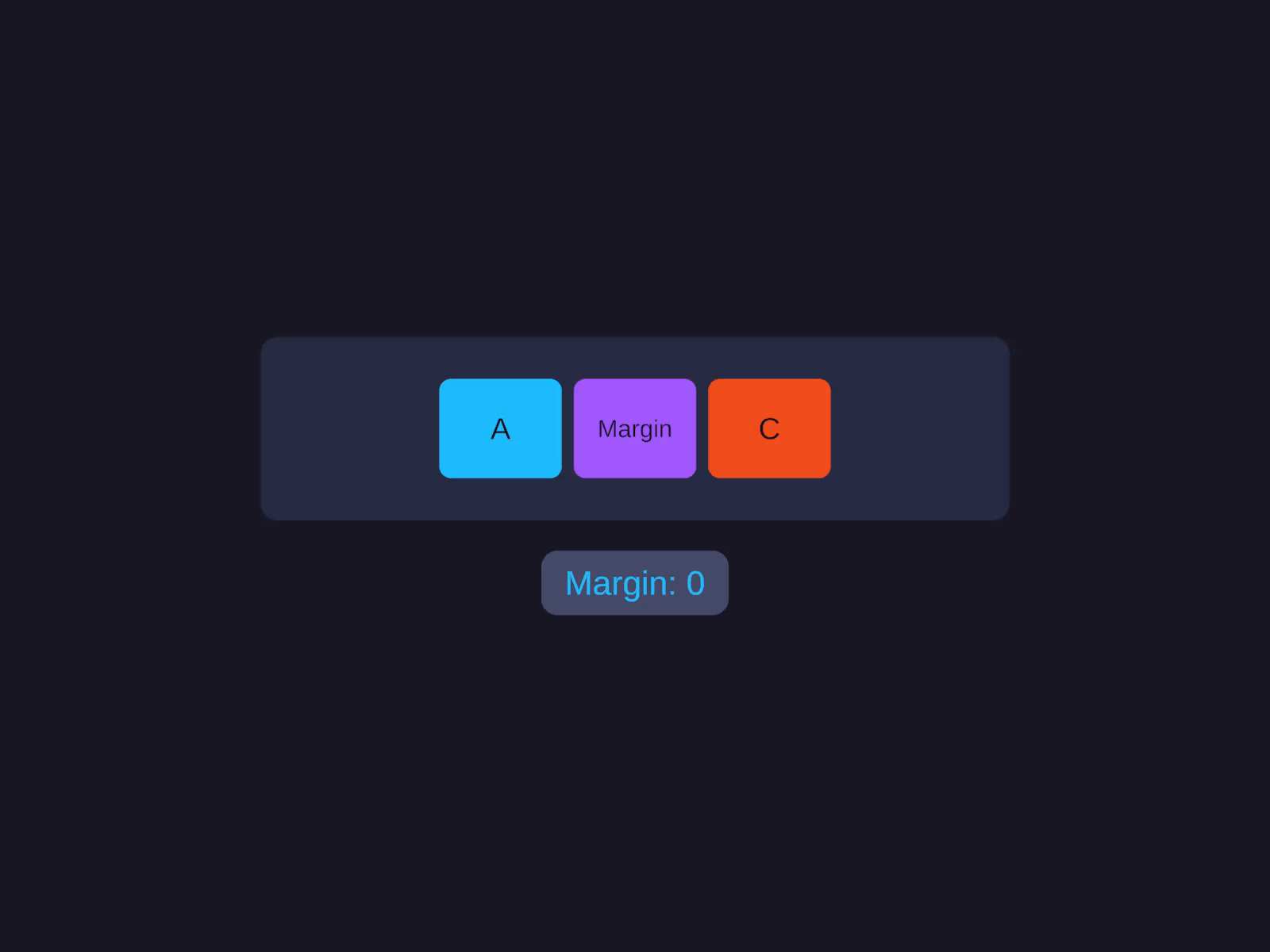
Margin is an outset between this element and its siblings - it pushes siblings apart without changing the parent’s Gap.
Margin
An outset between this element and its siblings - pushes siblings apart without changing the parent's Gap.
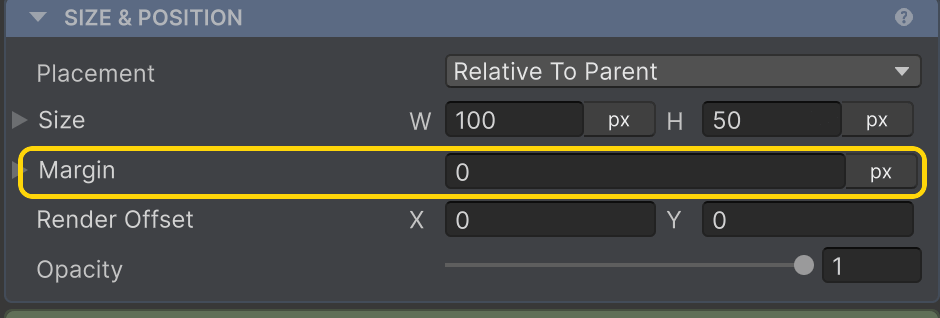
Set the Margin (e.g. 8). The field accepts unit suffixes and math (see Inspector Input).
layout.MarginLeft = 8f;layout.MarginRight = 8f;layout.MarginTop = 8f;layout.MarginBottom = 8f;When to use Margin
- Only one or two children need extra spacing - push the second child away from the first without affecting the rest.
- A child needs to bleed past its container (negative margin).
- You want a “stuck to one edge” feel that Gap doesn’t give you.
For every child to be evenly spaced, use the parent’s Gap. For space inside this element, use Padding.
Padding vs Margin vs Gap
- Padding - space inside this element, between its bounds and its children. Lives on the parent.
- Margin - space outside this specific child. Lives on the child.
- Gap - even spacing between all children of a Row/Column. Lives on the parent.
Inspector
The Margin inspector field accepts the same unit/math syntax as Padding and Gap - type 16px, 5%, 8+4, etc. See Inspector Input.
Related
- Padding - the inside counterpart
- Row & Column → Gap - even spacing between siblings
- Render Offset - visual-only nudge that doesn’t affect siblings (vs Margin, which does)
- Inspector Input - unit and math syntax