
Clipping
Clip children is a convenience toggle: flip it on and AutoLayout adds Unity’s RectMask2D to this element for you (and removes it when off), so children that exceed the element’s bounds are masked. It’s purely cosmetic - it never changes how children are sized or positioned.
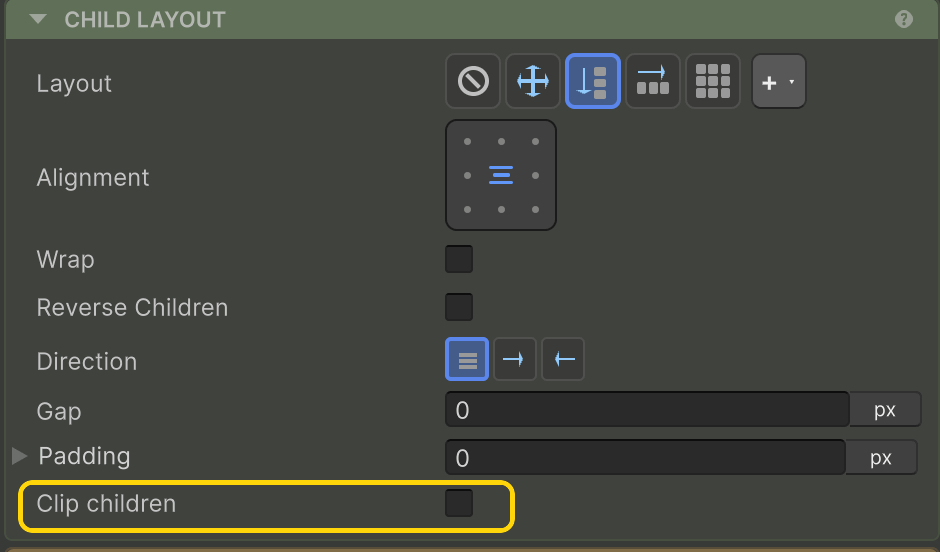
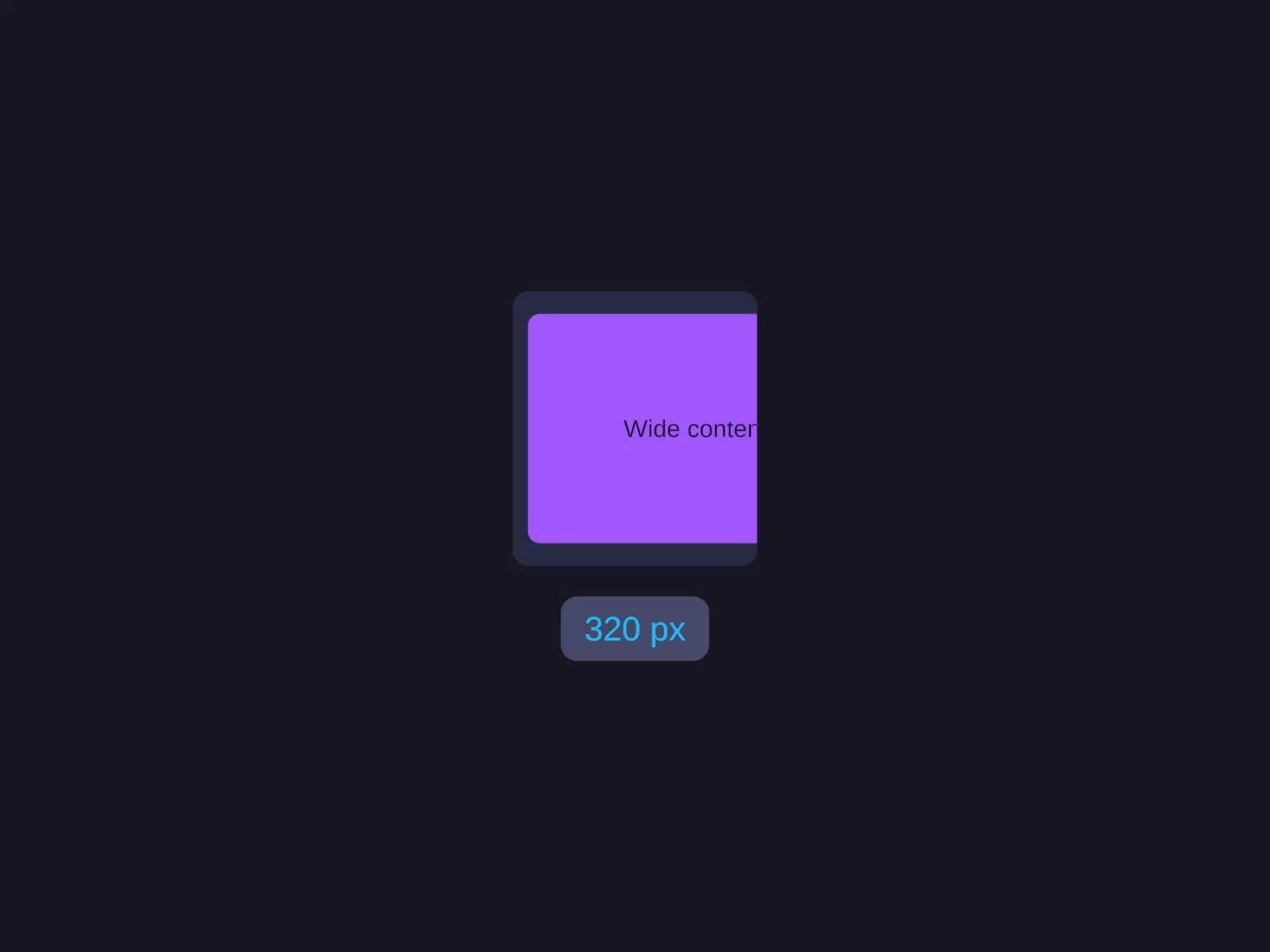
| Clip children | Effect |
|---|---|
| Off (default) | Children that overflow keep drawing outside the bounds. |
| On | Adds a RectMask2D so children clip at the element’s bounds. |
Off (the default)
Children that exceed the parent’s size keep drawing - they just spill out visually. Useful for badges, popovers, and shadow effects that need to extend past their container.
On
Adds a RectMask2D to the GameObject. Anything outside the parent’s bounds is clipped. Purely cosmetic - clipping never changes how children are sized or positioned.
Scrolling
Clipping on its own has no scroll interaction. To scroll clipped content, turn the element into a scroll container (the Inspector shows a Turn into ScrollView button when Clip children is on), or use the dedicated components:
- ScrollView - feature-rich scroll container with optional snap/inertia/elastic.
- ListView - virtualised scrolling list for large datasets.
- GridView - virtualised scrolling grid.
- Carousel - paged horizontal scroller.
Related
- ScrollView · ListView · GridView · Carousel - when you need real scrolling