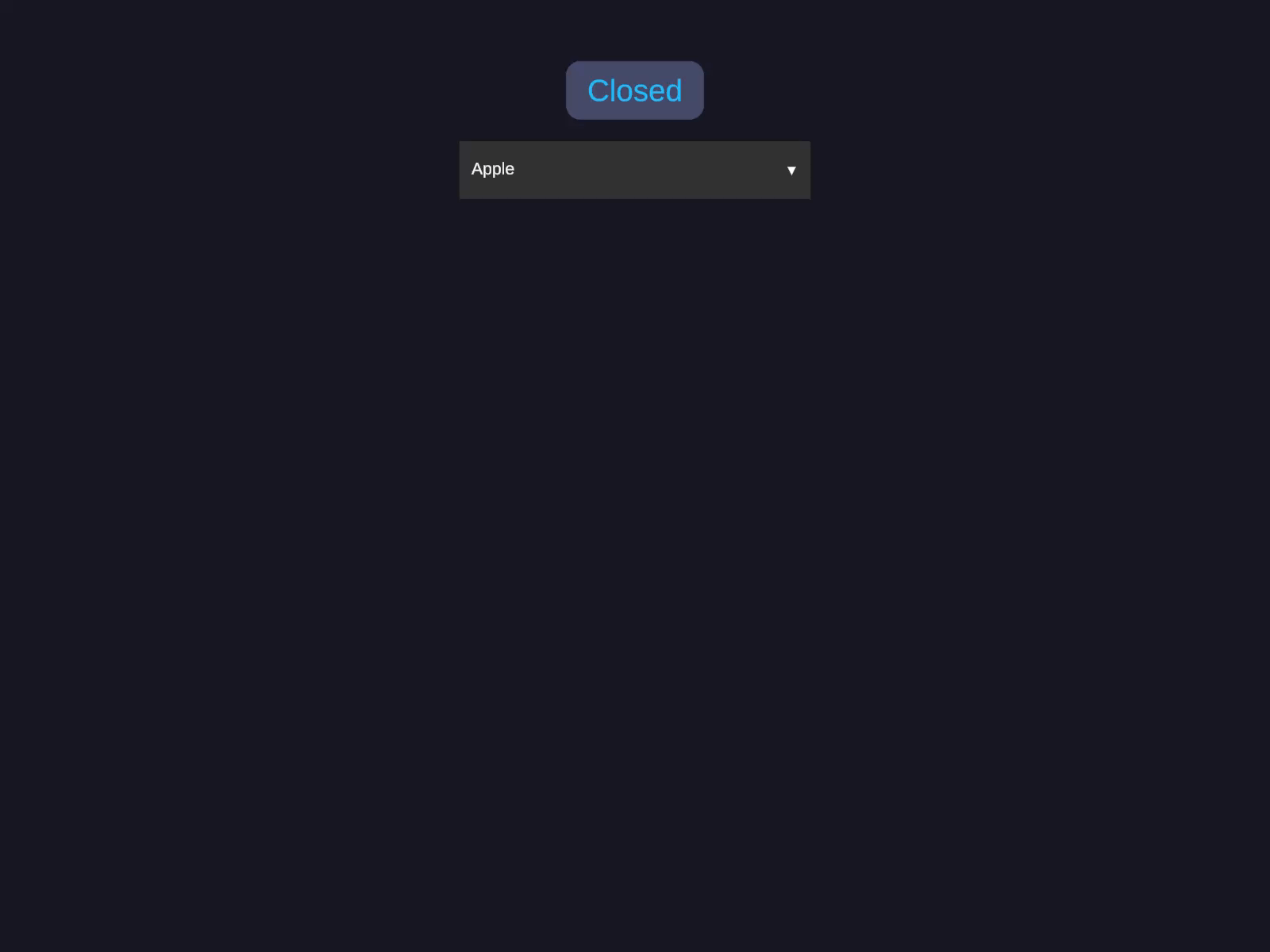
Popup options selector with optional search filtering. Displays a scrollable list of options with auto-direction detection.
Inspector Setup
Add AutoLayout Dropdown to a GameObject with AutoLayout.
Populate the Options list in the Inspector.
Configure appearance and behavior settings.
Field Type Default Description Options List<string> - List of option strings Selected Index int -1 Currently selected option index Popup Max Height float 400 Maximum popup height in pixels Item Height float 48 Height of each option item Direction DropdownDirection Auto Popup direction: Auto, Up, or Down Searchable bool false Show search/filter field
Code Usage
Build it in the Inspector (see Inspector Setup above), or from code with the Code API .
Options selector Popup options selector with optional search filtering. Displays a scrollable list of options with auto-direction detection.
Fill in the Options list and set Selected Index . Adjust Popup Max Height and Item Height , choose a Direction (Auto / Up / Down), and toggle Searchable to show the filter field.
var dd = go. GetComponent < AutoLayoutDropdown >();
dd.Options = new List < string > { "Option A" , "Option B" , "Option C" };
dd.PopupMaxHeight = 300f ;
dd.OnValueChanged += index => Debug. Log ( $"Selected: { index }" );
Programmatic Control
// Update options at runtime
m_Dropdown.Options = new List < string > { "New A" , "New B" , "New C" };
m_Dropdown.SelectedIndex = 1 ;
string selected = m_Dropdown.SelectedText;
int index = m_Dropdown.SelectedIndex;
Methods
Method Description Toggle()Open or close the popup Show()Open the popup Hide()Close the popup
Properties
Property Type Description SelectedIndexint Get/set selected option index SelectedTextstring Get the selected option text IsOpenbool Whether popup is visible OptionsList<string> Get/set options list PopupMaxHeightfloat Maximum popup height ItemHeightfloat Per-item height DirectionDropdownDirection Popup direction Searchablebool Search field enabled
Events
Event Signature Description OnValueChangedAction<int>Fires when selection changes
Callbacks
Callback Signature Description BindItemCallbackAction<GameObject, int, bool>Custom item rendering (go, index, isSelected) UnbindItemCallbackAction<GameObject, int>Cleanup on item recycle
Builder API
Method Description .Options(string[]) / .Options(List<string>)Set option strings .DefaultIndex(int)Set initial selection .PopupMaxHeight(float)Set max popup height .ItemHeight(float)Set item height .Direction(DropdownDirection)Set popup direction .Searchable()Enable search field .OnValueChanged(Action<int>)Subscribe to selection changes .Capture(Action<AutoLayoutDropdown>)Capture component reference
Notes
Direction = Auto measures available space above/below and picks the best direction.The popup is created in an overlay layer so it renders above other UI.
Search filtering is case-insensitive substring matching.