
Tweening
Animation extension methods and components for tweening AutoLayout properties (width, height, gap, margin, padding).
Overview
The tweening system provides two ways to animate layout properties:
- Extension Methods - Call directly on any
AutoLayoutcomponent from code. - Tween Components - Add MonoBehaviours in the Inspector for inspector-driven animations.
Extension Methods
Code Usage
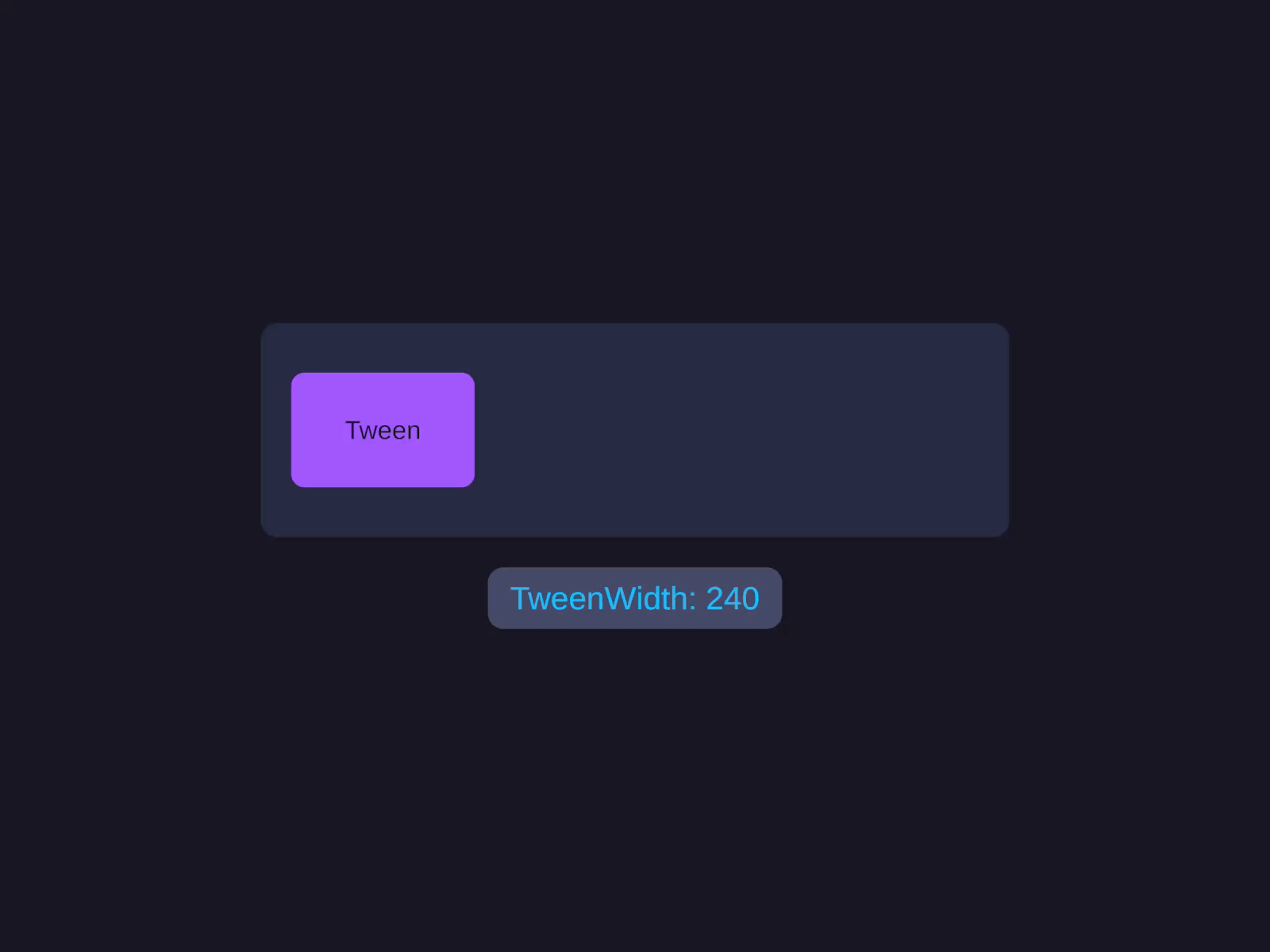
Tween layout properties
Animation extension methods for tweening AutoLayout properties (width, height, gap, margin, padding).
Tweening is driven from code at runtime - there’s no Inspector control for these extension methods. See the Code tab. (For inspector-driven animations, add the AutoLayoutTween* components covered further down this page.)
var layout = GetComponent<AutoLayout>();
// Tween widthlayout.TweenWidth(300f, 0.5f, EasePreset.OutQuad, () => Debug.Log("Done"));
// Tween heightlayout.TweenHeight(200f, 0.3f);
Controlling Tweens
ITweenHandle handle = layout.TweenWidth(300f, 0.5f);handle.Play();handle.Pause();handle.Stop();handle.Complete(); // Jump to end valueAvailable Extension Methods
| Method | Signature | Description |
|---|---|---|
TweenWidth | (float end, float duration, EasePreset, Action onComplete) | Animate width |
TweenWidth | (float end, float duration, AnimationCurve, Action onComplete) | Width with custom curve |
TweenHeight | (float end, float duration, EasePreset, Action onComplete) | Animate height |
TweenHeight | (float end, float duration, AnimationCurve, Action onComplete) | Height with custom curve |
TweenSize | (Vector2 end, float duration, EasePreset, Action onComplete) | Animate both axes |
TweenGap | (float end, float duration, EasePreset, Action onComplete) | Animate gap |
TweenMargin | (Spacing end, float duration, EasePreset, Action onComplete) | Animate margin (per-side) |
TweenMargin | (float uniform, float duration, EasePreset, Action onComplete) | Animate margin (uniform) |
TweenPadding | (Spacing end, float duration, EasePreset, Action onComplete) | Animate padding (per-side) |
TweenPadding | (float uniform, float duration, EasePreset, Action onComplete) | Animate padding (uniform) |
All methods default to EasePreset.OutQuad if no easing is specified.
Tween Components (Inspector)
AutoLayoutTweenSize
Add to any AutoLayout GameObject. Animates Width and/or Height from Inspector.
AutoLayoutTweenGap
Animates the Gap property.
AutoLayoutTweenMargin
Animates Margin (all four sides).
AutoLayoutTweenPadding
Animates Padding (all four sides).
AutoLayoutTweenSequence
Chains multiple tweens in sequence. Add child tween components and configure the order.
Tween Provider
All tweening routes through AutoLayoutTweenSettings.Provider:
// Check if a tween provider is availableif (AutoLayoutTweenSettings.HasProvider){ // Provider is ready}The built-in BuiltInTweenProvider is registered automatically. Custom providers can implement IAutoLayoutTweenProvider.
Ease Presets
| Preset | Description |
|---|---|
Linear | No easing |
InQuad / OutQuad / InOutQuad | Quadratic |
InCubic / OutCubic / InOutCubic | Cubic |
InExpo / OutExpo / InOutExpo | Exponential |
InBack / OutBack / InOutBack | Overshoot |
InBounce / OutBounce / InOutBounce | Bounce |
InElastic / OutElastic / InOutElastic | Elastic |
ITweenHandle
| Method | Description |
|---|---|
Play() | Start or resume playback |
Pause() | Pause playback |
Stop() | Stop and reset |
Complete() | Jump to end value immediately |
Notes
- All tween methods return
ITweenHandlefor playback control. - Tweens mark
DirtyType.FullRecalcon the AutoLayout component each frame to trigger relayout. - You can use
AnimationCurvefor custom easing via the overloads. - The tween system is decoupled from specific animation libraries via
IAutoLayoutTweenProvider.