
How I built a Burst-compiled layout engine for Unity uGUI
For me it started as an itch, not a resolution problem. RectTransform, anchors, and Layout Groups never felt intuitive. The simplest intentions turned into a puzzle every time:
- How do I make an element take 50% of its parent’s width?
- How do I keep something at a fixed aspect ratio?
- How do I let one element soak up the leftover space next to a fixed one?
- How do I just put a few things in a row with a gap between them?
To answer those in stock uGUI you reach for a pile of separate pieces - anchors and pivots, HorizontalLayoutGroup, VerticalLayoutGroup, GridLayoutGroup, LayoutElement, ContentSizeFitter, AspectRatioFitter - and you memorize which combination produces which behaviour. I didn’t want to juggle ten components just to say “a row, evenly spaced.” I like uGUI and I’ve got projects on it, so leaving it wasn’t the plan. I just wanted to state the intent directly and have the layout follow.
So I built the layout engine I wanted. This post is the engineering story: the model, the algorithm, the architecture, and the benchmarks. If you want the product tour instead, Why AutoLayout covers the sizing model and how it slots into an existing project.
One component, one setting each
To put an element under the engine you add one component, and each of those four questions becomes a single setting on it. 50% width is Percentage. A fixed ratio is Aspect. “Take the leftover space” is Fill. Size-to-content is Hug. “A row with a gap” is a Row layout with a Gap value.
You pick a sizing unit per axis (Pixels, Hug, Fill, Percentage, Aspect) and a layout type (Row, Column, Grid, Absolute, Custom) - and that’s the whole model. No stacking LayoutGroups, no anchor math, no fitter combos to remember. The virtualized ListView / GridView / ScrollView ship as their own components built on top of that same base. Because sizing is expressed relatively, it also reflows cleanly across resolutions - a side benefit, not the reason I built it. It runs alongside your existing uGUI, so there’s no migration and no new UI system to learn.
Here are those four questions again, each as the single setting that answers it - drag the handles in each clip to see the layout follow:
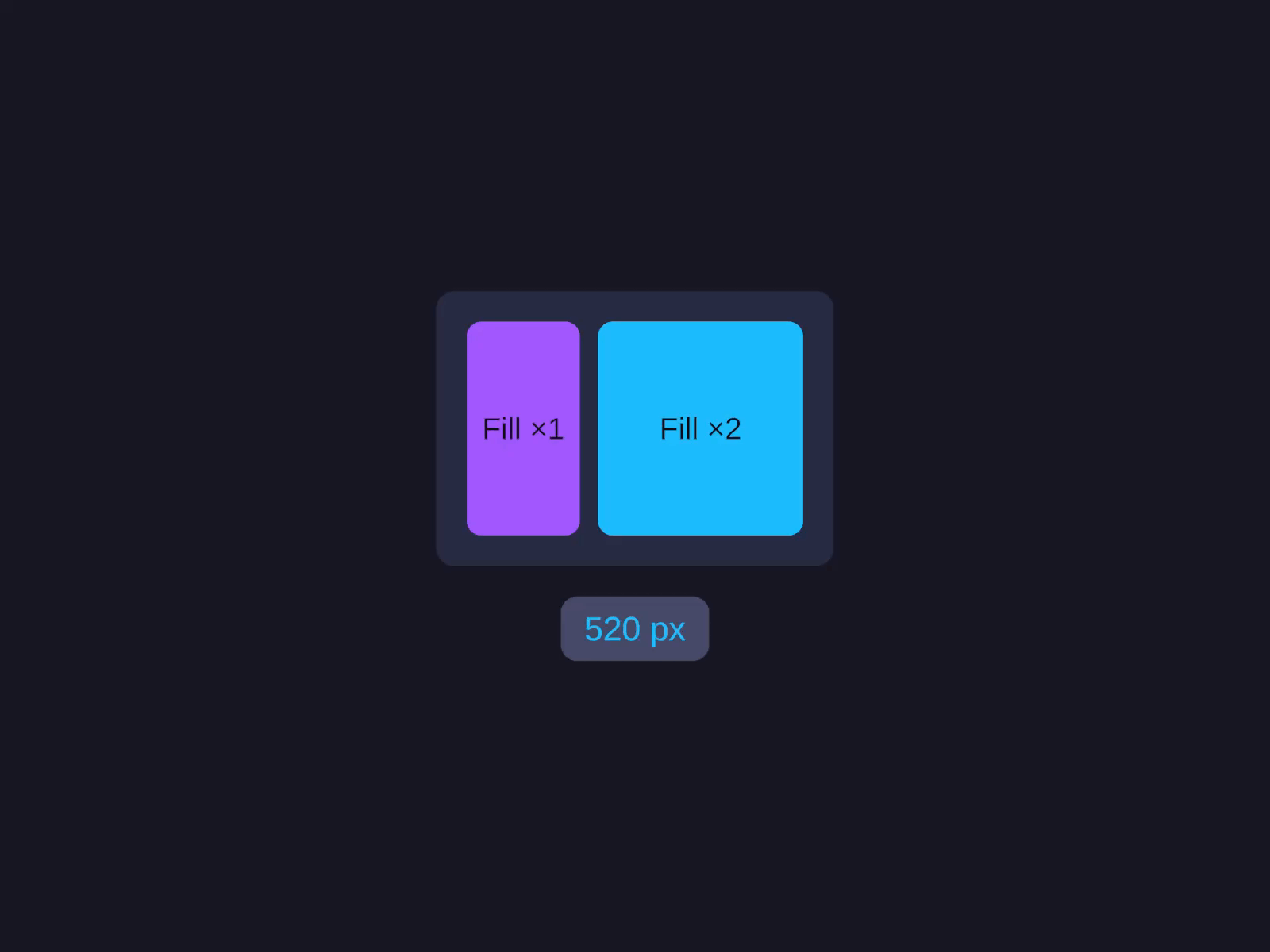
Fill - soak up the leftover space
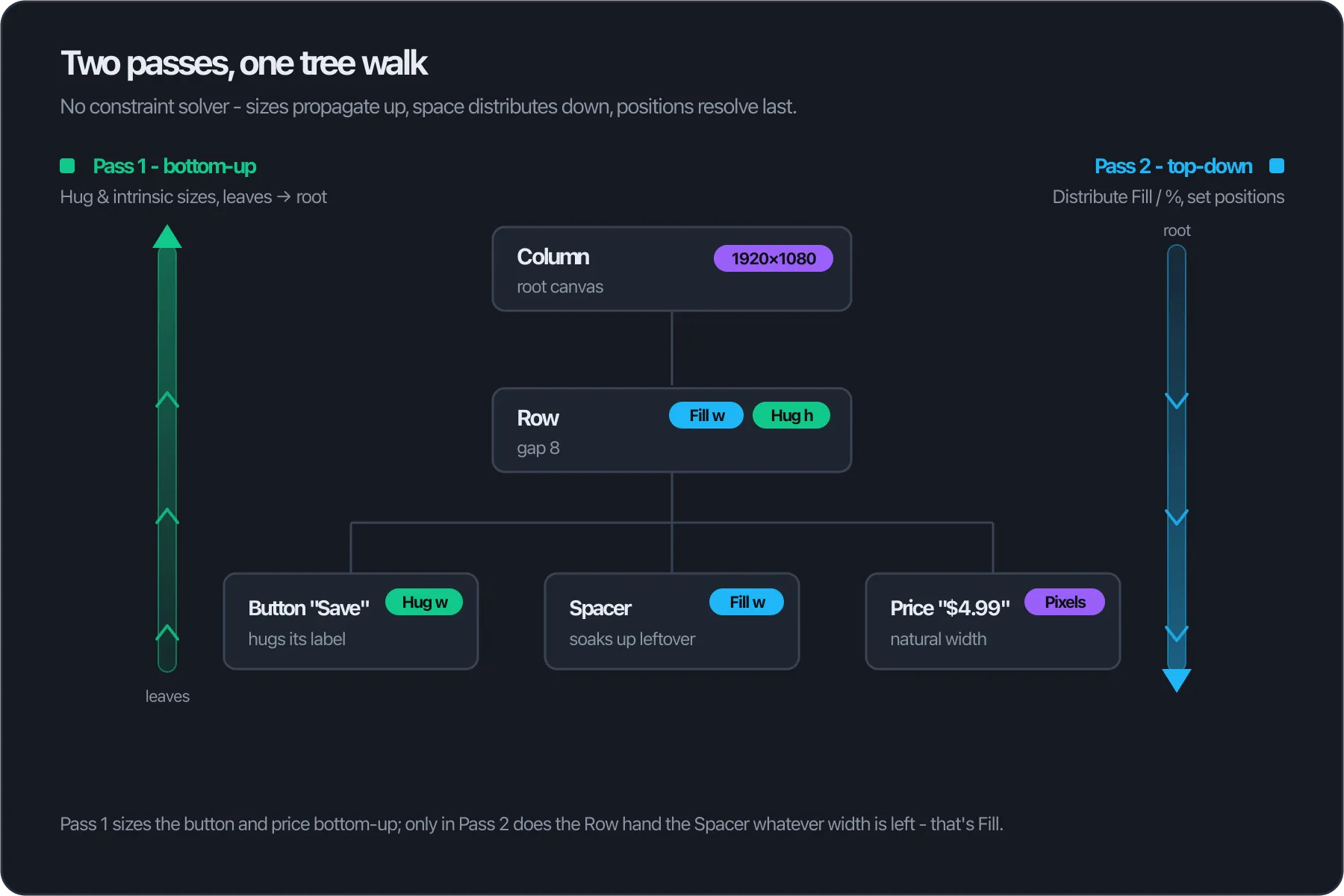
Set Width to Fill and the element takes whatever's left after its fixed and Hug siblings. This is the Spacer from the diagram below: its width is only known once everything else has been sized.
See full docs →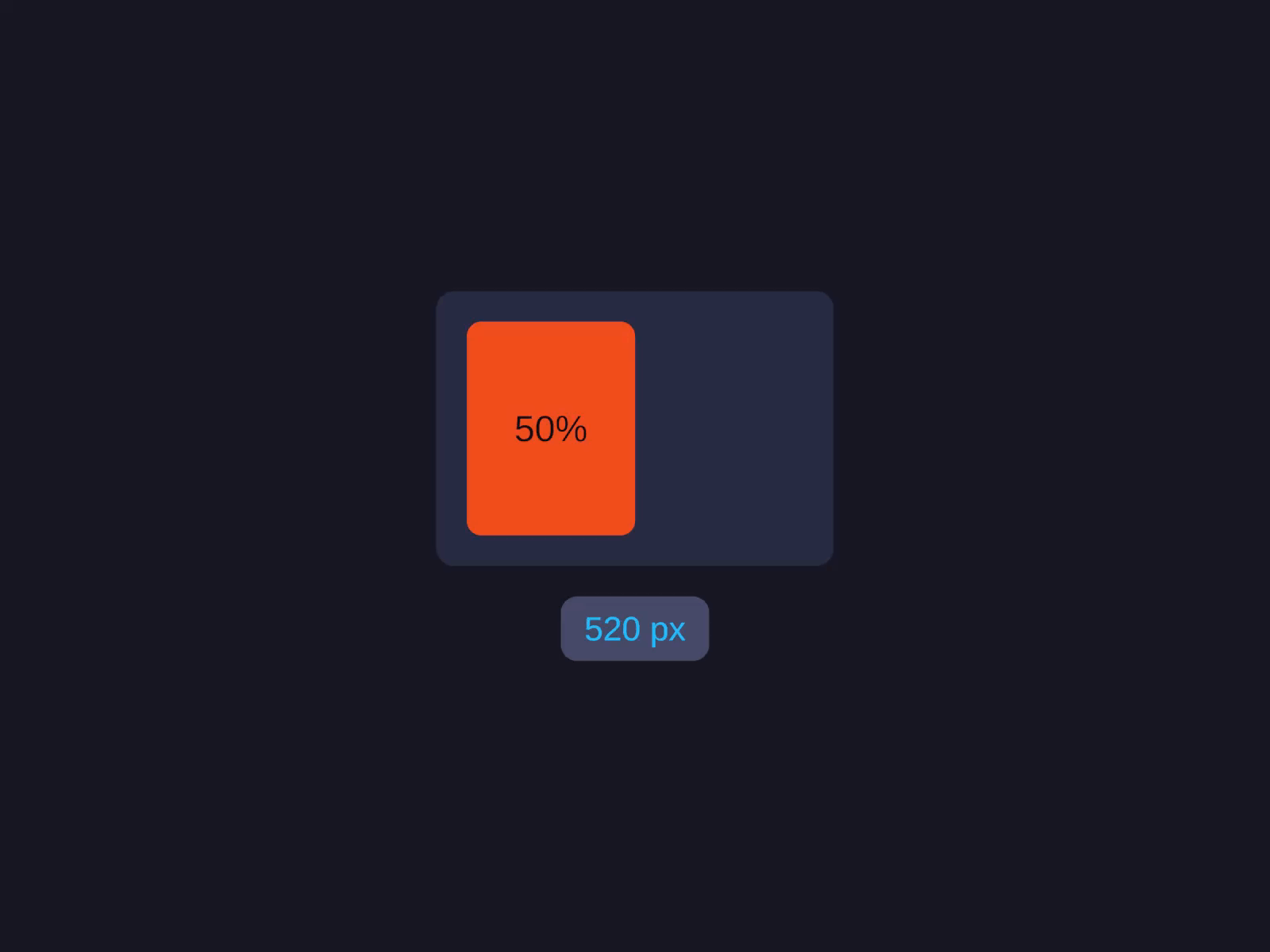
Percentage - 50% of the parent
A percentage of the parent's size on that axis. What used to be an anchor-stretch-plus-offset ritual is one value.
See full docs →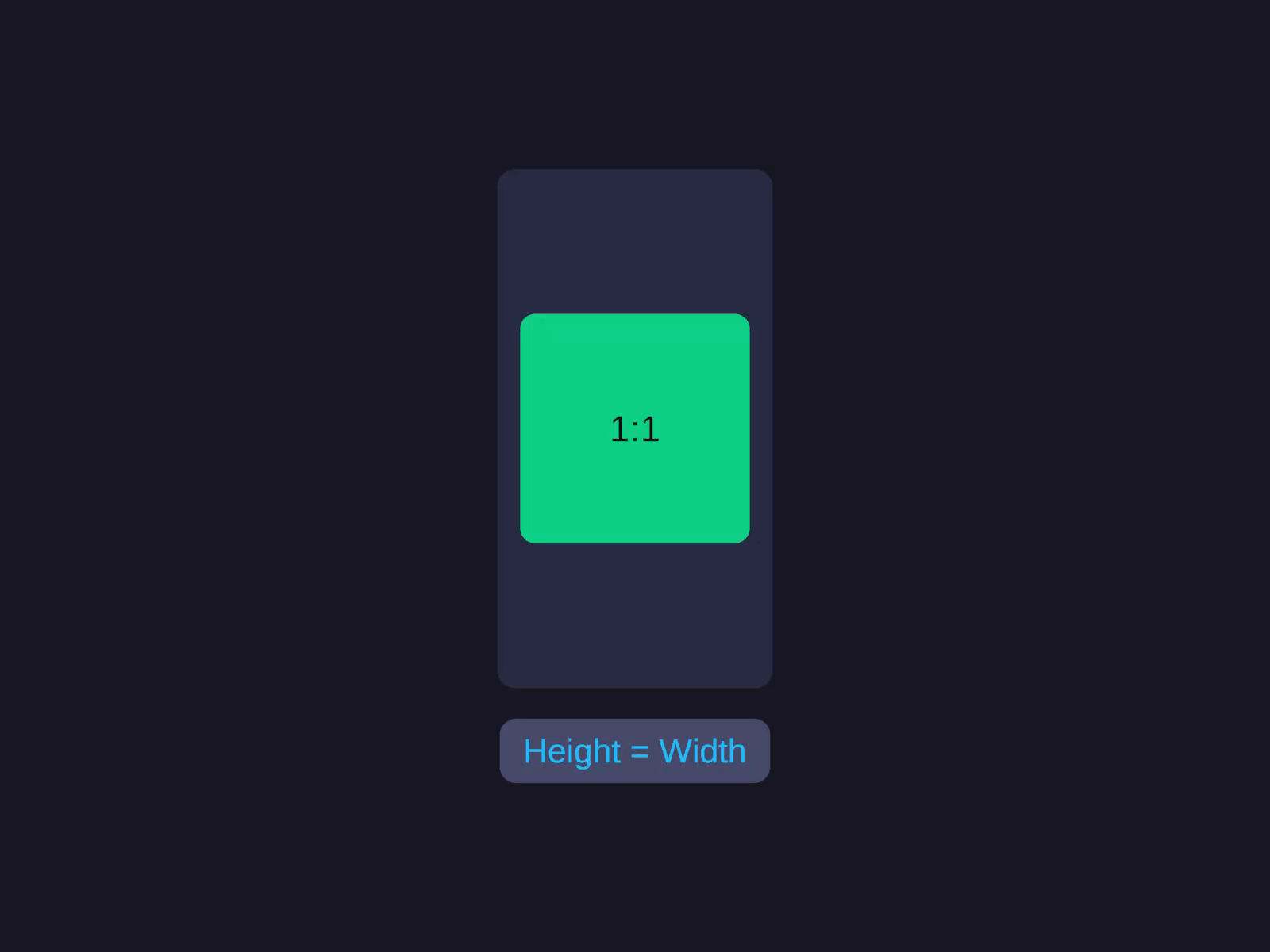
Aspect - lock a ratio
Width follows height by a fixed ratio (or vice-versa), so a thumbnail or video frame keeps its shape as the container resizes.
See full docs →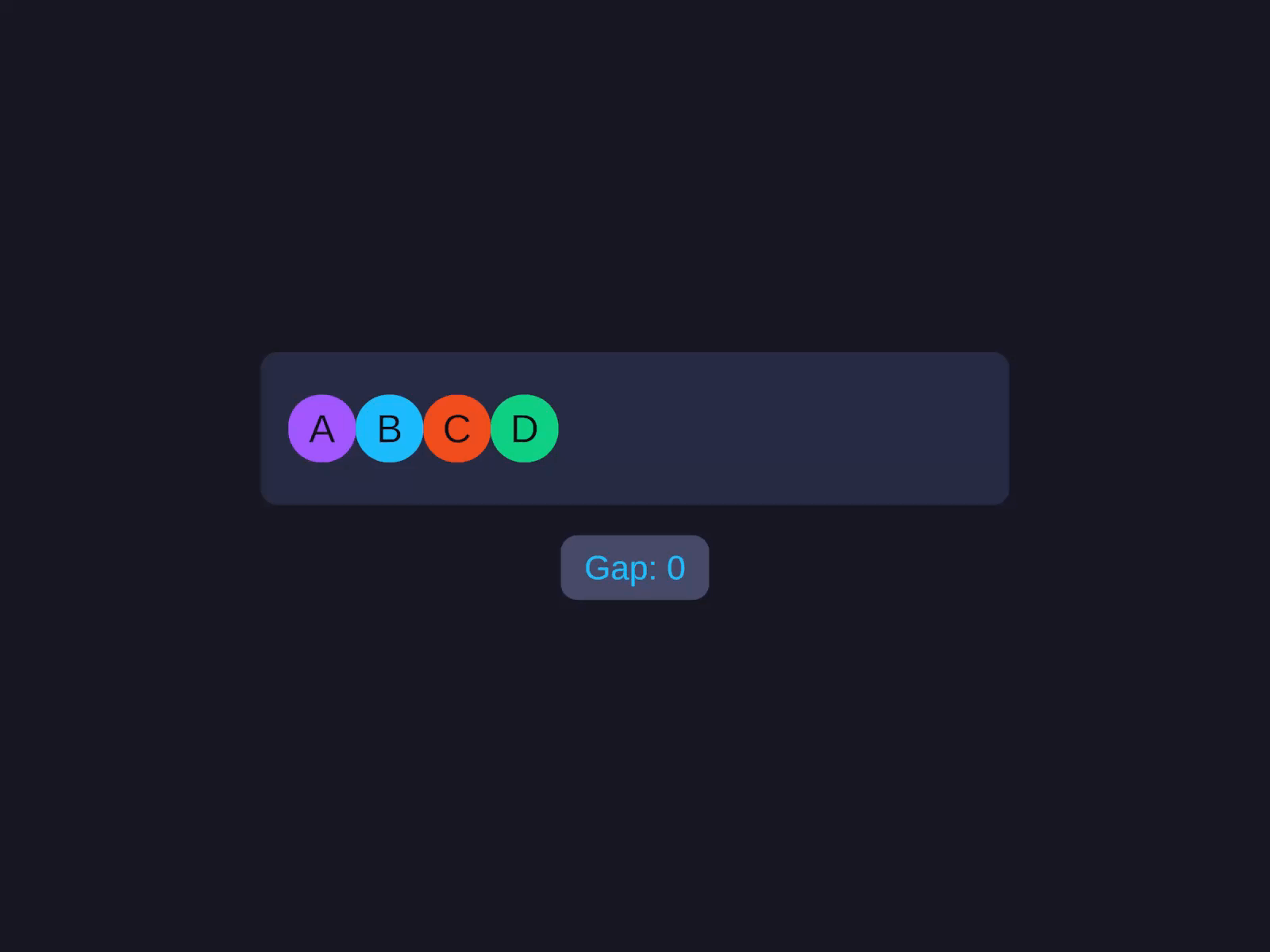
Row with a gap - a few things, evenly spaced
A Row (or Column) with a Gap. No LayoutGroup stack, no per-child padding - one layout type and one number.
See full docs →That’s the surface. The interesting part is underneath.
Under the hood
An engine-agnostic core
I built the solver as a standalone, engine-agnostic core rather than wiring it into uGUI. The goal was to solve layout once, so that moving to UI Toolkit later wouldn’t mean redoing it. The codebase is split cleanly in two:
- Headless - platform-agnostic. Burst jobs, the
UINodedata, dirty tracking,NativeArraymanagement. No Unity UI types anywhere in it. - Adapters - platform-specific. A uGUI adapter (the one that ships), plus IMGUI and UI Toolkit proofs-of-concept. Each one does the same three things: gather data from the host’s components into
UINode[], call the engine, then write the results back.
A thin uGUI adapter maps the solved rectangles onto RectTransform. Keeping the core decoupled means I can test the layout logic in complete isolation - pure float math, no Canvas, no MonoBehaviour, no play mode - which is why the layout test suite runs headless and fast.
Two passes, not a constraint solver
I didn’t invent the algorithm. The shape follows the Subform layout model (Kevin Lynagh’s experimental tool) and Morphorm, its Rust cousin: a two-pass tree walk, not a constraint solver.
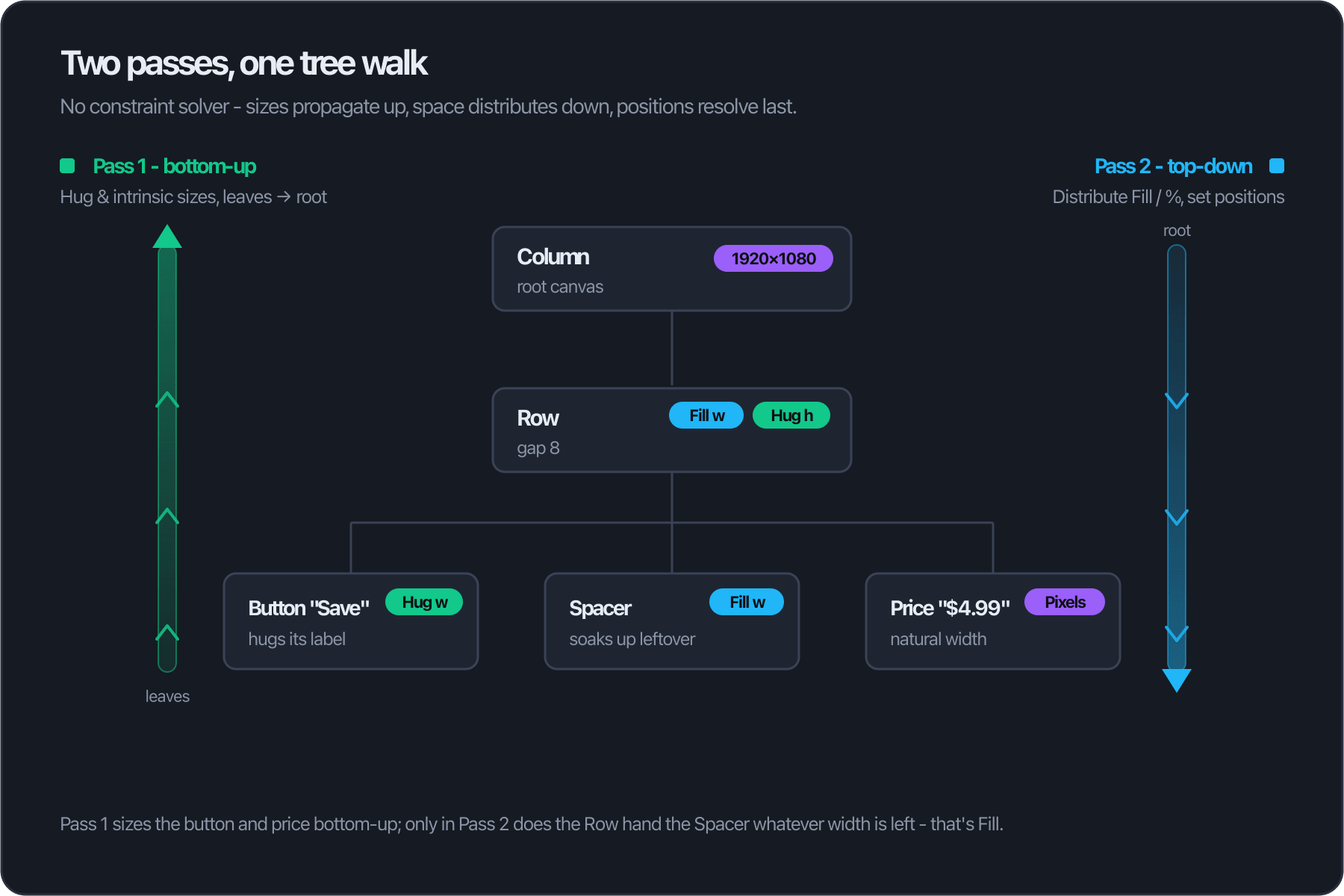
Concretely, it runs in three phases:
- Gather - the adapter converts your components into a flat
UINode[], an index-based tree (no pointers, no managed references). - Intrinsic sizing - a bottom-up pass.
Hugand intrinsic (Raw) sizes are computed from content upward. A button that hugs its label can’t know its width until the label is measured, so leaves resolve first and parents fold their children’s sizes in. - Space distribution + positioning - a top-down pass. Now that every parent knows its own size, it hands the leftover space to its
FillandPercentagechildren, and only then are final positions written.
The diagram above is the canonical case: a Row holding a Hug button, a Fill spacer, and a fixed-width price. The spacer’s width is genuinely unknowable until pass two - it’s whatever’s left after the button hugged its text and the price took its natural width. That’s the entire reason “50% of the parent” is one property here instead of an anchor-stretch-plus-offset ritual: each node carries a unit per axis, and the two passes resolve them in dependency order.
Burst, and zero allocations
Because that core is a flat array of blittable structs, the whole pass runs through Burst. UINode holds no managed references - just value types - so it compiles to tight native code and touches memory linearly. It’s single-threaded, but measurably faster than the managed equivalent, and it hits zero GC allocation on the hot path: the NativeArrays are allocated once and reused across frames, there’s no LINQ, no per-frame new, and no string work during a solve.
The virtualized views lean on exactly this. A ListView recycles a handful of cells and only ever re-solves the ones on screen, so a list of 10,000 rows scrolls at 60 FPS - the layout cost tracks what’s visible, not what exists.
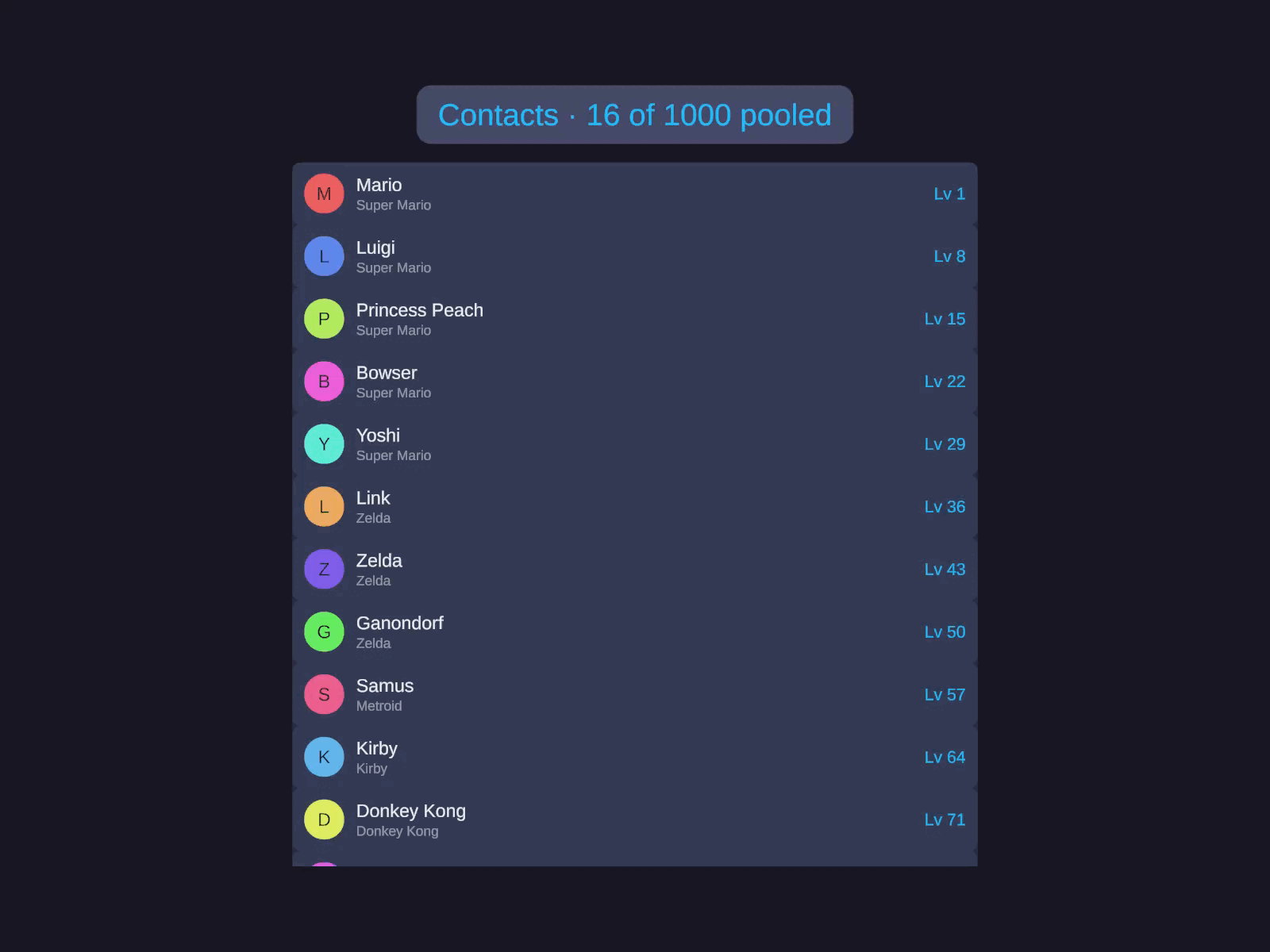
Virtualized ListView - 10,000 rows, only the visible ones solved
Cells are pooled and recycled; each frame re-solves just the rows in view. The same base engine drives GridView and ScrollView.
See full docs →Where it’s at
uGUI is what’s shipping and what these numbers measure. The same core also runs in a proof-of-concept for IMGUI and UI Toolkit - it works, but it’s not production-ready. That’s a someday direction, not a promise. The reason the core is engine-agnostic is exactly so that “someday” is an adapter, not a rewrite.
The numbers
1. The headless core: near-linear, zero GC
First, the solver on its own - no uGUI, no RectTransform writes, just the tree walk over the flat UINode[]. It scales close to linearly and allocates nothing on the hot path:
| Tree size | Solve time (min) | Per node | GC alloc |
|---|---|---|---|
| 57 nodes | 0.007 ms | ~123 ns | 0 B |
| 261 nodes | 0.027 ms | ~103 ns | 0 B |
| 1,041 nodes | 0.117 ms | ~112 ns | 0 B |
| 2,461 nodes | 0.285 ms | ~116 ns | 0 B |
The per-node cost stays flat at ~110 ns across a 40x range in tree size - that’s the near-linear scaling you want, and the 0 B column is the NativeArray reuse paying off: no per-frame new, no LINQ, no string work during a solve.
2. Burst is doing real work
Is that speed just Burst removing Unity overhead, or is the compiler genuinely earning its keep? Running the identical solve with Burst disabled (the managed C# fallback) isolates it:
| Tree size | Burst on | Burst off (managed) | Speedup |
|---|---|---|---|
| 1,041 nodes | 0.117 ms | 0.763 ms | 6.5x |
| 2,461 nodes | 0.285 ms | 1.764 ms | 6.2x |
Same algorithm, same data, same machine - only the code generation changes. The ~6x gap is Burst turning the blittable-struct core into tight native code.
3. Versus Unity’s own Layout Groups
Now through the uGUI adapter, which also writes every RectTransform back. This builds the exact same hierarchy two ways - once with AutoLayout, once with Unity’s Layout Groups - and forces a full rebuild on both:
| Same hierarchy, full rebuild | AutoLayout | Native uGUI | Speedup |
|---|---|---|---|
| Nested, ~255 nodes (7 levels) | 1.8 ms | 5.4 ms | 3.0x |
| Deeply nested, ~1,000 nodes (9 levels) | 7.1 ms | 21.8 ms | 3.1x |
| Row/Column, ~840 cells | 5.6 ms | 13.6 ms | 2.4x |
| Grid, ~840 cells | 5.6 ms | 5.7 ms | ~tie |
A flat Row/Column layout comes out roughly 2.4x faster than the equivalent Layout Groups, and that widens to ~3x once you nest deeply - which is where uGUI’s rebuilds cascade, each ContentSizeFitter re-triggering its ancestors. The grid is a tie with GridLayoutGroup, Unity’s one lean fixed-cell component, which is fair: AutoLayout’s grid also does template tracks, spanning, and auto-flow, and it’s still keeping pace with the stripped-down native one.
Try it
The best way to get a feel for the model is to break it yourself.
- WebGL demo - runs in the browser, no install. It’s built entirely in code with the
FluentUIAPI, and it’s a work in progress I’ll keep expanding. - Getting Started - install the package and write your first layout.
- Why AutoLayout - the sizing model in full, and how it coexists with an existing uGUI project.
AutoLayout PRO is on the Unity Asset Store as AutoLayout PRO for uGUI.
A couple of things I’d genuinely like to discuss - drop into the Discord or the issue tracker:
- Are you staying on uGUI or moving to UI Toolkit, and what’s driving that?
- What’s your worst uGUI layout headache right now - anchors, juggling LayoutGroups and fitters, nested groups, something else?
- If you poke the demo, what’s your first impression, and what breaks?